Watch every client's network from one dashboard
One agent per client, instant alerts, branded reports and access for your team. A flat price per client, not per device or per site.
14 days of Pro free when you sign up. Business from US$29/mo with 10 client networks under your brand; with more clients, MSP (25 networks, API and MCP). More than 25? Write to us for a custom plan.
What costs you time today, solved
“The camera went down and I didn't know”
Mark each client's critical devices and get an email, a push or a WhatsApp the moment they go offline, and a "Resolved" notice when they come back.
“A device showed up that nobody recognises”
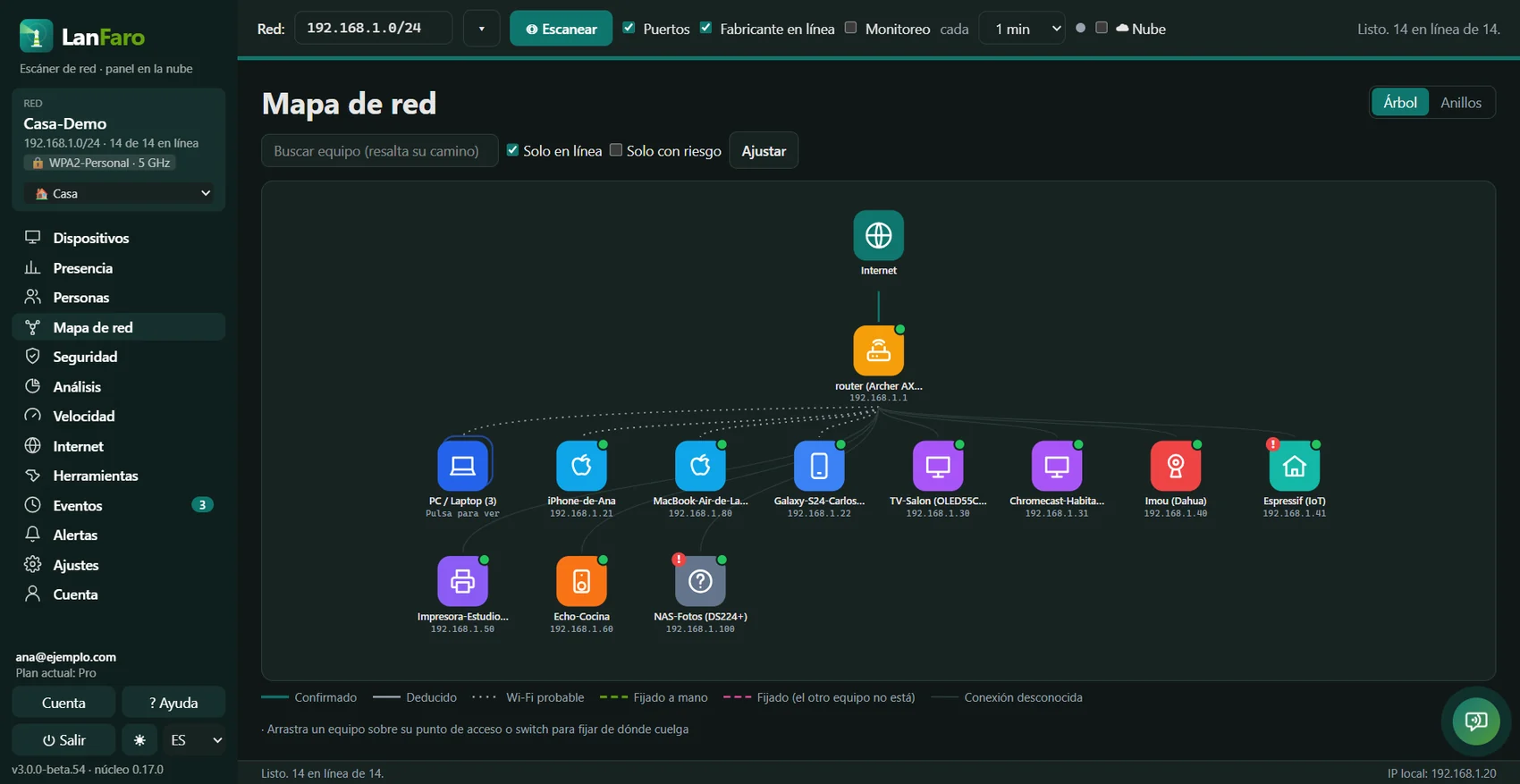
Every network has its baseline. Anything joining later is flagged as new, with vendor, category and security advisories.
“The client wants a report”
PDF with your logo, name and contact, automatic every week or month, plus a compliance report with controls, findings and recommendations.
“Monitoring costs me more than I charge”
Domotz charges €22.50 to €35 per site per month depending on volume and commitment; with LanFaro Business, from US$2.90 per client with 10 clients, with unlimited devices on each network.
Flat price per client versus price per site
What you would pay per month depending on how many clients you watch.
| Clients | Domotz (list) | LanFaro plan | LanFaro per month | Per client |
|---|---|---|---|---|
| 5 | €157.50 / mono commitment: €175 | Business | US$29 / mo | US$5.80 |
| 10 | €280 / mono commitment: €350 | Business | US$29 / mo | US$2.90 |
| 25 | €700 / mono commitment: €875 | MSP | US$79 / mo | US$3.16 |
Domotz: €35 per site per month without commitment; with a 12-month commitment €31.50 from 5 sites, €28 from 10 and €22.50 from 100. List prices from their site (domotz.com/pricing), November 2026, before tax; ≈ US$ at the day's exchange rate. LanFaro: plan price from the pricing table, unlimited devices per network.
Up and running in an afternoon
- 1
Create your account and enable Business (or MSP) from Plan & billing.
- 2
Install the agent on a Raspberry Pi, NAS or client PC and link it with a code, or with an enrollment token for several computers (Docker too).
- 3
Name the devices, mark the critical ones and set alerts per client.
- 4
Invite your team under Sharing and turn on the monthly branded report for each client.
What we don't do (on purpose)
LanFaro gives no remote access, uses no SNMP with credentials and does not plug into your PSA: it looks at the network without touching it. Use it alongside your RMM for audits and reports.
Stop finding out about problems when the client calls
Try Pro free for 14 days and move to Technician when your first client is connected.